
GLOBAL CAREERS

Find a career that makes a difference.

Jobs from the United Nations, NGOs, International Financial Institutions and Multilateral Organizations, in one app that learns what you are looking for.

Get it on Google Play Download on the App Store

On a computer? Open UN & NGO Jobs in your browser and link it to your phone.

500K+downloads
4.4 ★on Google Play
Freeto download
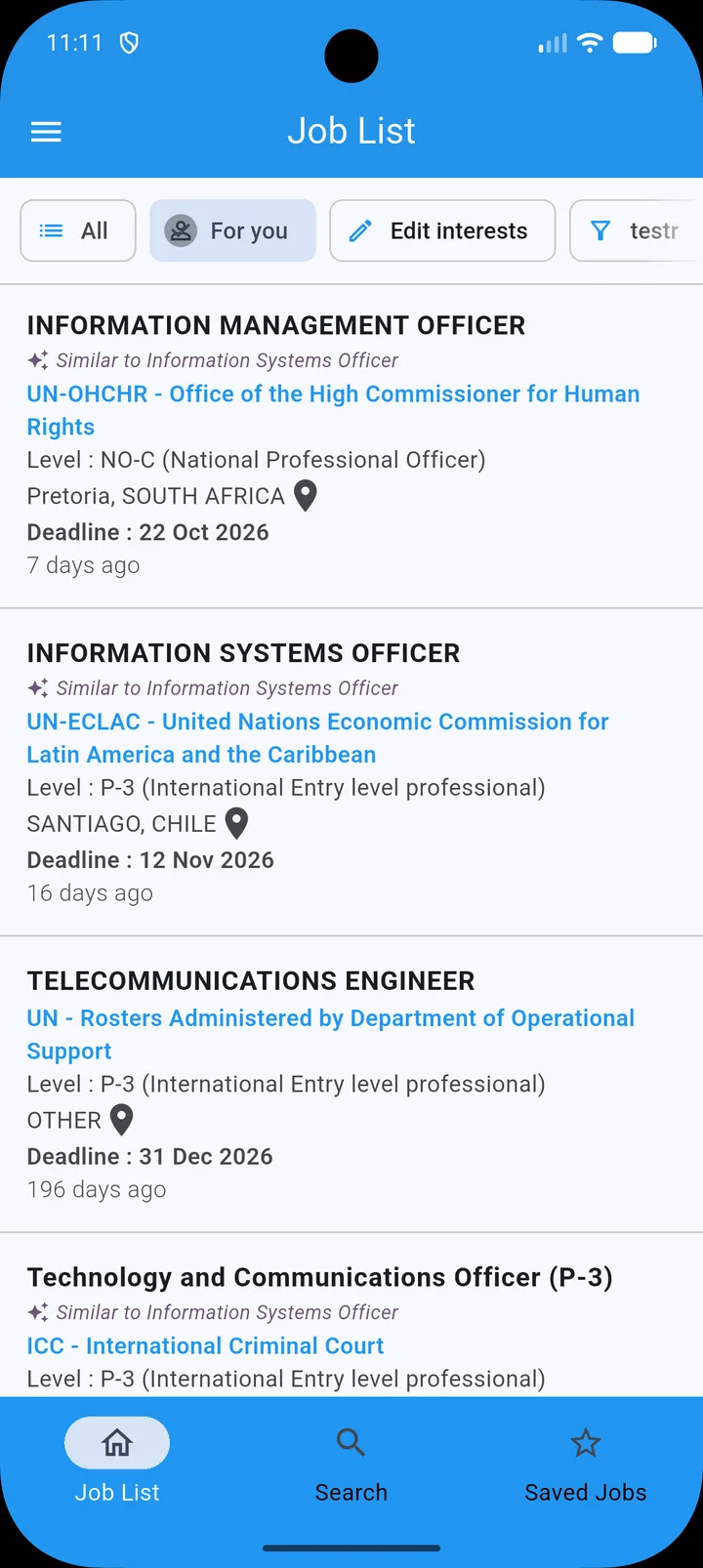
The For you job list in the app
JOBS FROM United NationsNGOsInternational Financial InstitutionsMultilateral Organizations
WHAT’S INSIDE

Less searching. More of the right jobs.

SMARTER FOR YOU

Jobs picked for you

Save a few jobs you like and the For you feed finds similar openings across agencies and duty stations. Every match tells you which saved job it is like.
For you feed with similar-job matches
Search in plain words
SEARCH

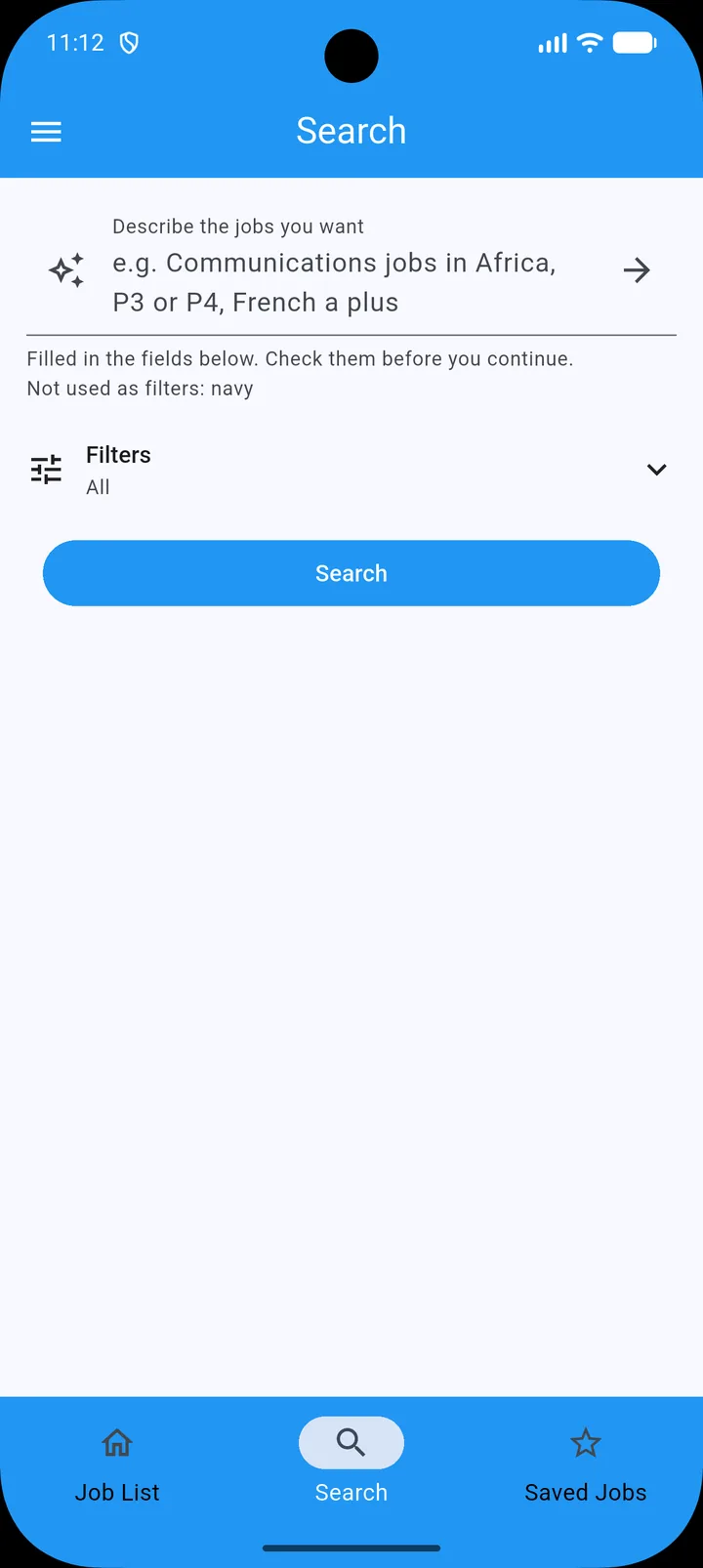
Search in plain words

Type what you want, like “Communications jobs in Africa, P3 or P4, French a plus”. The app fills in organization, level, job family and location for you to check.

AT A GLANCE

Know in seconds if a job fits

Contract type, experience, languages and who can apply sit at the top of every vacancy. Local-recruitment and internal-only roles are flagged before you read further.
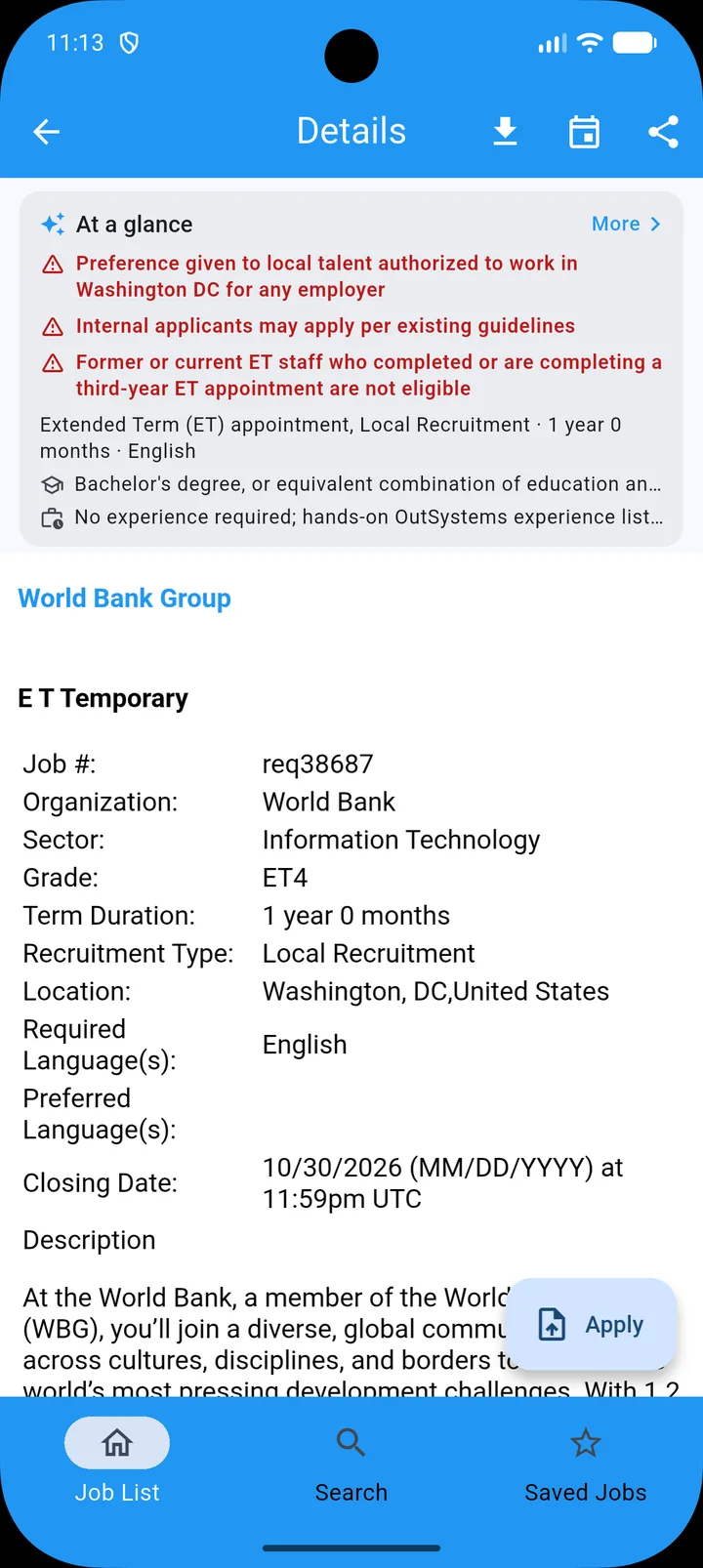
Job details with the At a glance summary

Quick filters

Switch between All, For you and your saved filters from the top of the list.

Daily or weekly alerts

Get new matches on your schedule. Tap to edit an alert, swipe to delete it.

Never miss a deadline

Add any closing date to your calendar in one tap, plus a reminder the day before.

Application tracker

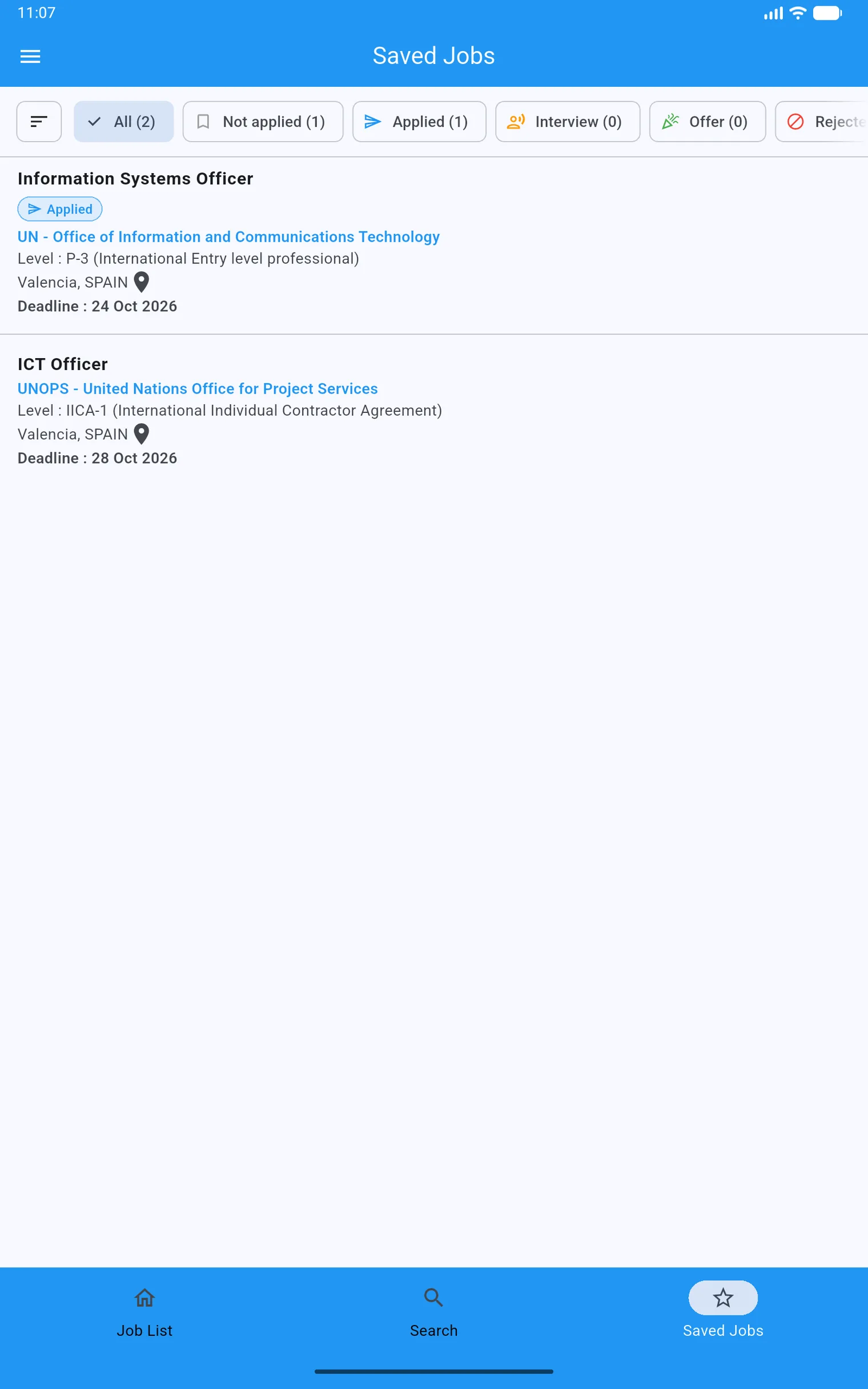
Move saved jobs from Applied to Interview to Offer, with the date and your notes.
PHONE AND TABLET

Room to compare on a bigger screen

The same app scales to tablets, with full job titles, organizations and deadlines in view.

Saved jobs with application status filters on a tablet
NEW · ON YOUR COMPUTER

Write your applications on a real keyboard

Open UN & NGO Jobs in your computer’s browser and link it to your phone in seconds. Saved jobs, your tracker, your CV, cover letter drafts and interview answers stay in step on both, with end-to-end encryption.

  1. 1On your computer, open www.unjobsapp.org/web.
  2. 2In the app on your phone, go to More › Linked computers › Link a computer.
  3. 3Scan the QR code on your computer’s screen. That’s it.

Open on your computer Part of Premium. Your first link starts a free 7-day trial.
HOW IT WORKS

From first search to signed offer

  1. 1

    Describe

    Tell the app what you want in your own words, or set filters.

  2. 2

    Discover

    Browse matches, check them at a glance and get alerts for new ones.

  3. 3

    Save

    Keep the roles you like and add their deadlines to your calendar.

  4. 4

    Apply and track

    Apply on the official portal, then track each application to the offer.

UN & NGO Jobs app icon

Your next role with impact starts here

Free on Android and iPhone. Set up your first alert in under a minute, then link your computer for the bigger screen.

Get it on Google Play Download on the App Store